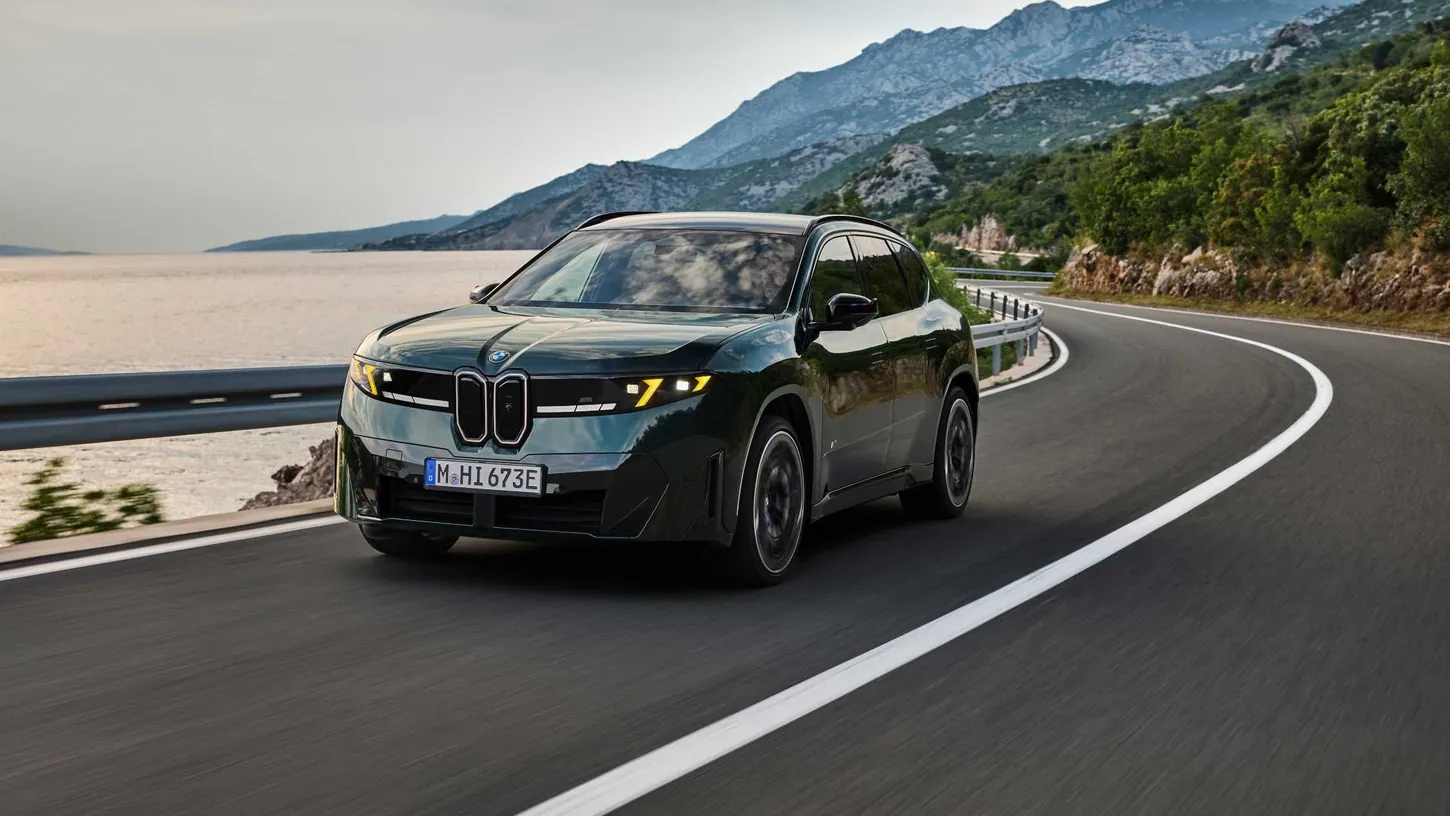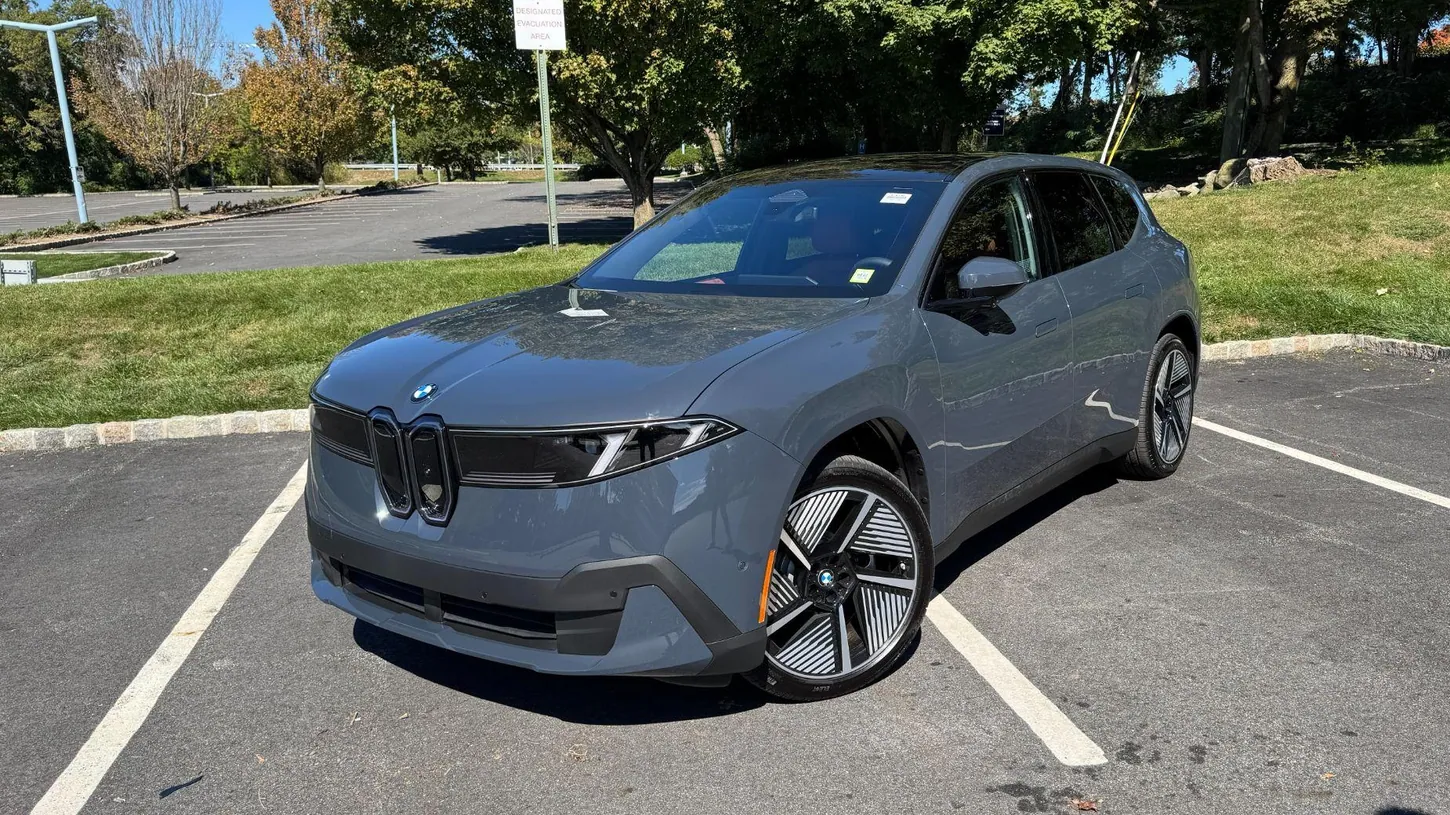
BMW moved almost every control in the new iX3 onto a screen, and after a test drive the one display I never had to look for was the windshield. The iX3 50 xDrive is the first production car with BMW’s Panoramic iDrive cabin, and BMW is putting the same layout in every model that follows, starting with the i3 sedan now taking U.S. reservations. BMW scheduled U.S. deliveries to start September 25 at $61,500 plus $1,350 destination, and I drove one at Ray Catena BMW of Westchester in White Plains, New York, the same car as my first drive of the iX3.
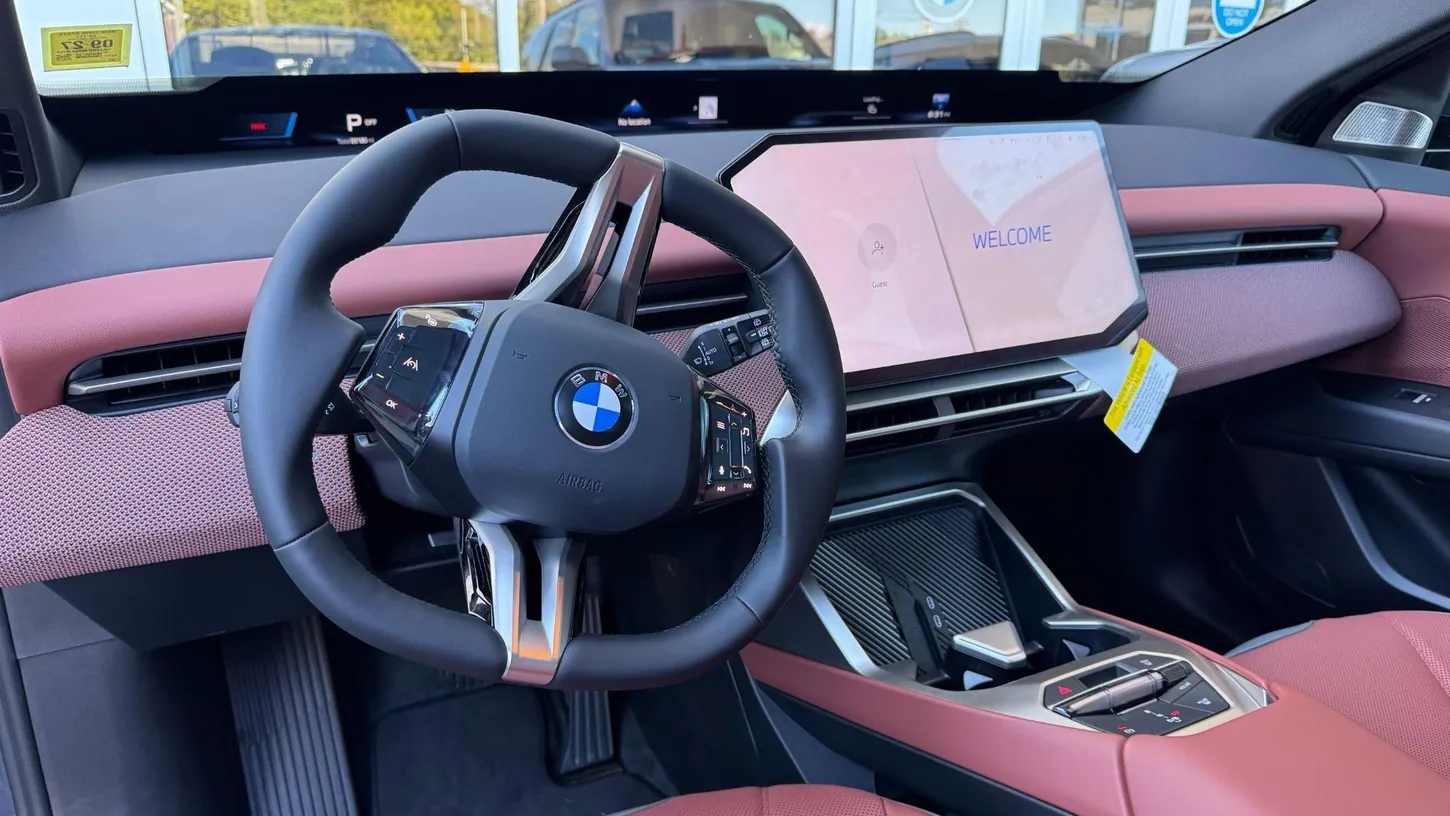
The first thing I noticed was the steering wheel. It is flat across the top and the bottom, so it looks almost like a hexagon, and the touchscreen next to it is cut on an angle that runs the opposite way to the air vents below. I wanted to know whether this new layout made the important information easier to read, or just looked different.
BMW split the cabin across a windshield display, a touchscreen and the steering wheel. The look of all three changes with the driving mode, along with the color theme and the ambient lighting, and that is where the readability problem starts.
The Panoramic Vision Windshield Display Keeps Your Eyes Up
BMW’s Panoramic Vision projects driving information onto a strip across the base of the windshield, from one A-pillar to the other. In our iX3 all the important information sat straight in front of the driver’s seat, and the strip did not show glare once during our drive. The touchscreen did.
I expected the windshield display to distract me, and it didn’t. It carries a lot of information, and it only pulled my attention in Sport mode, when it shows the horsepower and torque the car is putting down. Switching my eyes from the road to the strip and back was easy, because the two are almost in the same place.
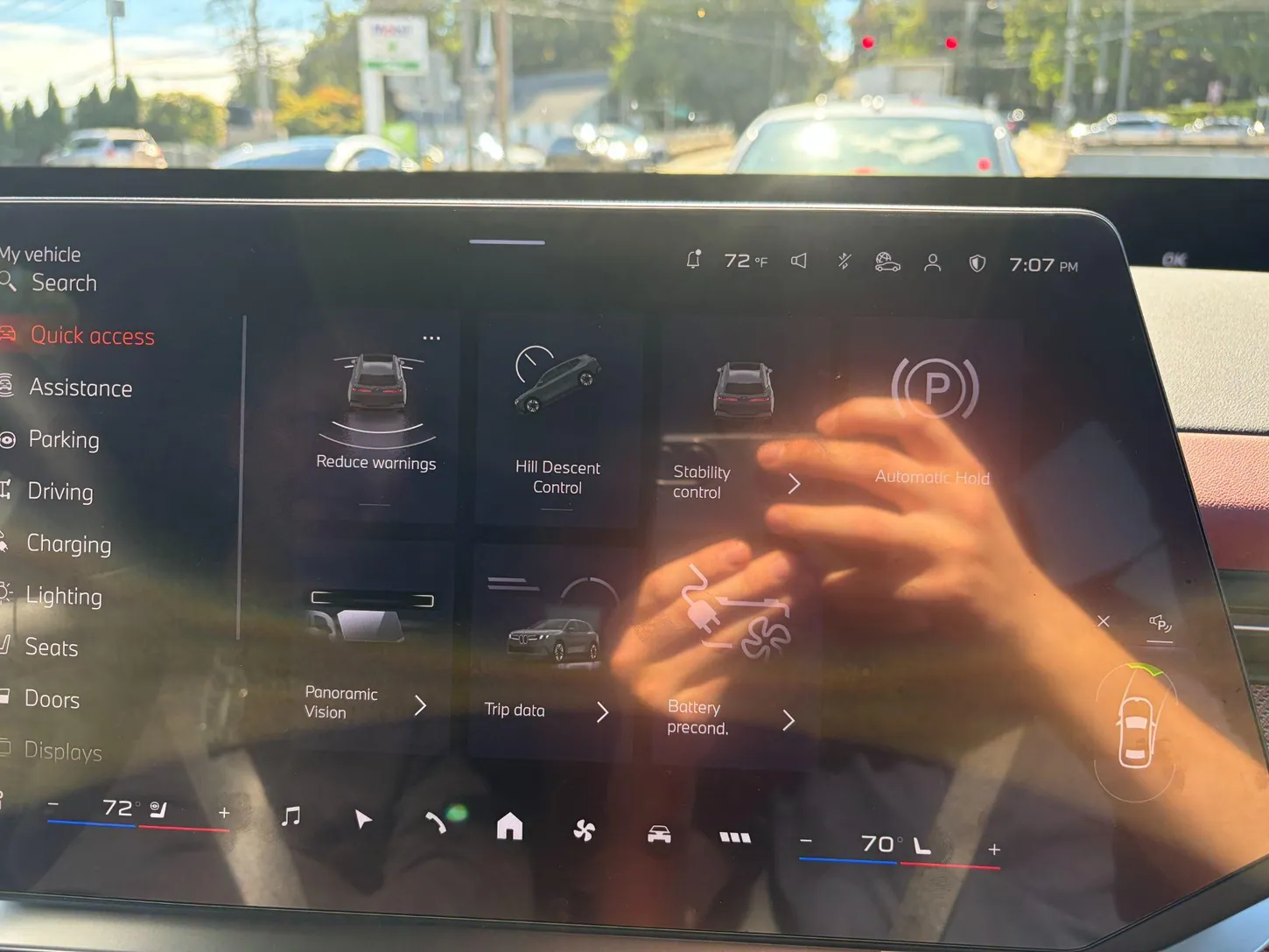
The driving settings sit on the left edge of the touchscreen, in a shortcut column that stays in front of the driver no matter which menu is open. In our car that column held the drive modes, the lighting, the charging settings, the seats and the assistance settings. We could not set up a driver profile, because that is locked on a dealer test car.
The Touchscreen Still Makes Basic Climate Changes Annoying
Climate control in the iX3 lives on the touchscreen, vents included. BMW’s launch release lists what stays physical: wipers, indicators, mirrors, volume, gear selector, parking brake, hazard lights and defrosters. The vents are not on that list, and they have no tabs to aim the air.
Getting what you want out of the climate menu still takes several taps, and for a taller driver with the seat set back it means sitting up to reach the glass. In the old iX3 you pointed a vent with your fingers, and in the new one you find the vent on a screen first.
The theme problem shows up here too. In Silent mode the screen switches to a dark purple theme, and on a sunny day that made the touchscreen hard to read. The windshield strip stayed readable in every mode.
The Door Flipper and the Park Pad Feel Right on the First Try
The seats were very comfortable, and the seat adjustment moved from the side of the cushion to the door panel. The door release moved too. BMW replaced the pull handle with an electric flipper behind the window switches, and one pull with a middle finger releases the door.
The door switches felt easier to reach than the old ones, though they are clunky to press. I prefer the flipper to a handle, because my arm is already resting there. The gear selector is a second flipper on the center console, and Park is a large pad next to it that you press. The volume roller sits beside that selector now, instead of under the vents on the dashboard where the old iX3 had it. The steering wheel buttons are still physical, with a textured, backlit surface, so the wheel is the one place in the cabin where your hands can work without looking.
The wheel looks strange in photos and feels natural in your hands. The flat top and bottom give you a good grip in a turn, and the wheel feels nice when you turn it.
EVXL’s Take
A cabin built almost entirely on screens makes sense for a driver who already lives on a phone, and the iX3’s version worked better than I expected on a first drive. The windshield strip puts the information where you are already looking, and it did not glare once during our drive, so I would keep it exactly as it is. I would change the climate controls, because aiming a vent should not need a menu. Drivers who prefer physical buttons will find this cabin harder to accept, and one drive is not enough to say whether the menus get easier after a week. On first contact everything was quicker to find than in the previous iX3. BMW is putting the same cabin in the i3 next and then across its New Era models, so the vents are worth fixing before that happens.
Sources: BMW Group PressClub, BMW USA
EVXL uses automated tools to support research and source retrieval. All reporting is by Damien Kesteloo, edited by Haye Kesteloo.